Related Products
Related products, upsells or cross-sells of the product being viewed, under a heading. Shows nothing when there are none.
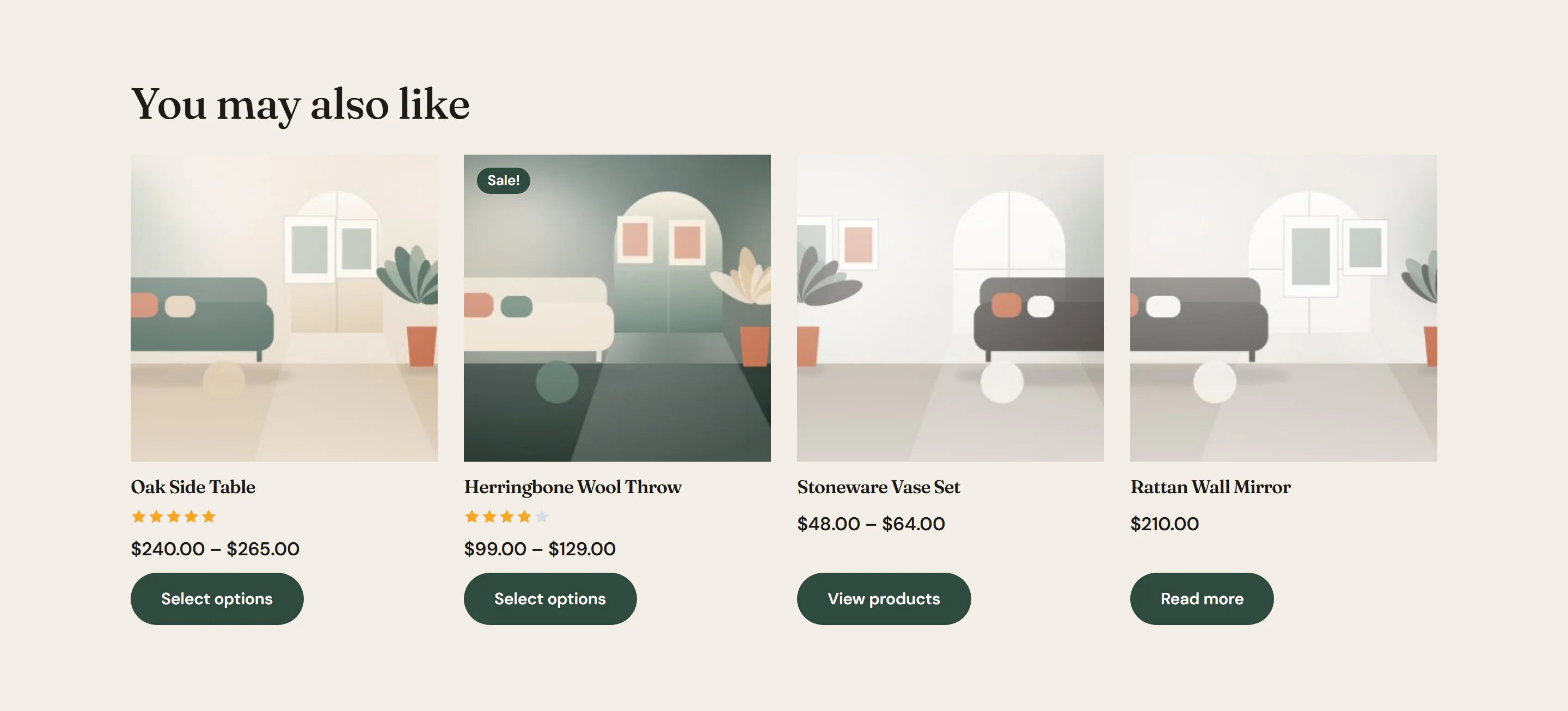
The Related Products widget is the Products widget set up for the bottom of a product page: it starts with WooCommerce's related products of the product being viewed, four of them, under the heading "Related products". Switch it to the product's upsells for a "You may also like" row, or to the cross-sells of the cart on your cart page. When there are no products to show, the whole widget, heading included, stays hidden.
Where the products come from
| Show | Products |
|---|---|
| Related to the product viewed (default) | WooCommerce picks products that share a category or tag with the product being viewed. |
| Upsells of the product viewed | The products you add under Upsells in the product's Product data → Linked products. |
| Cross-sells of the cart | The Cross-sells of the products in the visitor's cart. Use it on the cart page. |
The other lists of the Products widget, such as Featured products, are available here too.
In the editor, the widget uses the product you preview the template with. If that product has no related products, upsells or cross-sells, the editor says No products to list here for the preview product. On the site this widget then shows nothing. Choose another product in Preview with to see the grid.
Add Related Products
Open your product page template in the Theme Builder. Then click Insert in the rail on the left, find Related Products in the WooCommerce group (or type "related" in the search box) and drag it to the bottom of the template. See Add elements.
To show upsells too, add a second Related Products widget, set Show to Upsells of the product viewed and change the Heading, for example to "You may also like".
Settings
Related Products has every setting of the Products widget, on the Content, Design and Behaviour tabs. The only differences are where it starts:
| Setting | Starts as |
|---|---|
| Show | Related to the product viewed |
| Heading | Related products |
| Number of products | 4 |
See Products for each setting.
Tips
- Set Columns to 4 on desktops and 2 on phones, so the row stays one line on large screens.
- Leave Text when there are no products empty here: a product without related products then shows no empty section.