Short Description
The short description of the product, shown next to the price on product pages.
On this page
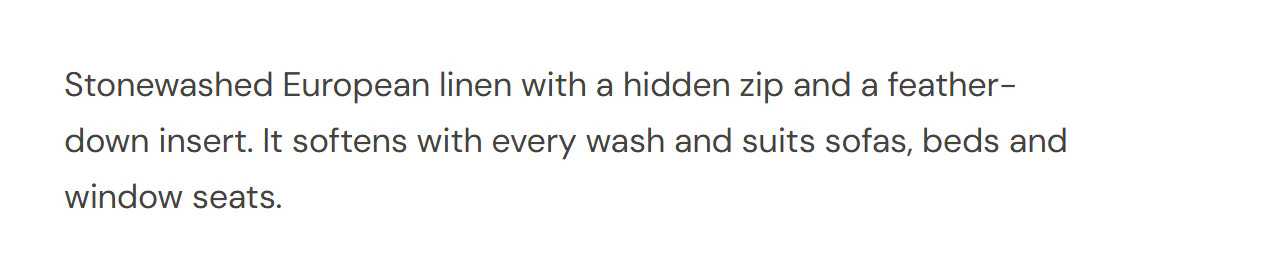
The Short Description widget shows the short description of a WooCommerce product: the few lines you write in the Product short description box when you edit the product. On product pages it usually sits between the price and the Add to Cart form.
Where the product comes from
The widget shows the product being viewed: on a product page template it is the product the visitor opened, and in a product loop item it is each card's product. To show one particular product anywhere else, pick it in the Product section of the Content tab.
The text goes through WooCommerce as usual, so shortcodes in it work and extensions can add to it. When the product has no short description, the editor shows This product has no short description. and the live page shows nothing.
Add a Short Description
Open your product page template or a product loop item in the Theme Builder. Then click Insert in the rail on the left, find Short Description in the WooCommerce group (or type "description" in the search box) and drag it into the template. See Add elements.
Content tab settings
| Setting | What it does |
|---|---|
| Alignment | Left, Center, Right or Justify. Can differ per device. |
| Setting | What it does |
|---|---|
| Product | Leave empty to show the product being viewed (product pages, product loop items). Pick a product to show it on any page. |
Design tab settings
| Section | Settings |
|---|---|
| Text | Typography, Color, Link color and Paragraph spacing. |
The Design tab also has the sections every element shares: Spacing & position, Background & border and Mask. See Spacing, size & position.
Behaviour tab
The Behaviour tab has the settings every element shares: anchor and classes, entrance animations, motion effects, visibility per device, display conditions and interactions. See Visibility.
Tips
- Keep short descriptions to two or three lines, or a short list of key points. The full story belongs in the Product Description.
- The same text is available as the Product short description dynamic tag, for example inside a Text widget in a product card. See Dynamic tags.